Documentation for setting up BelgebilderService in your DATEV instance
0
Verify that prerequisites are met
You have an existing DATEV client (Mandant) and you have created a fiscal year for it
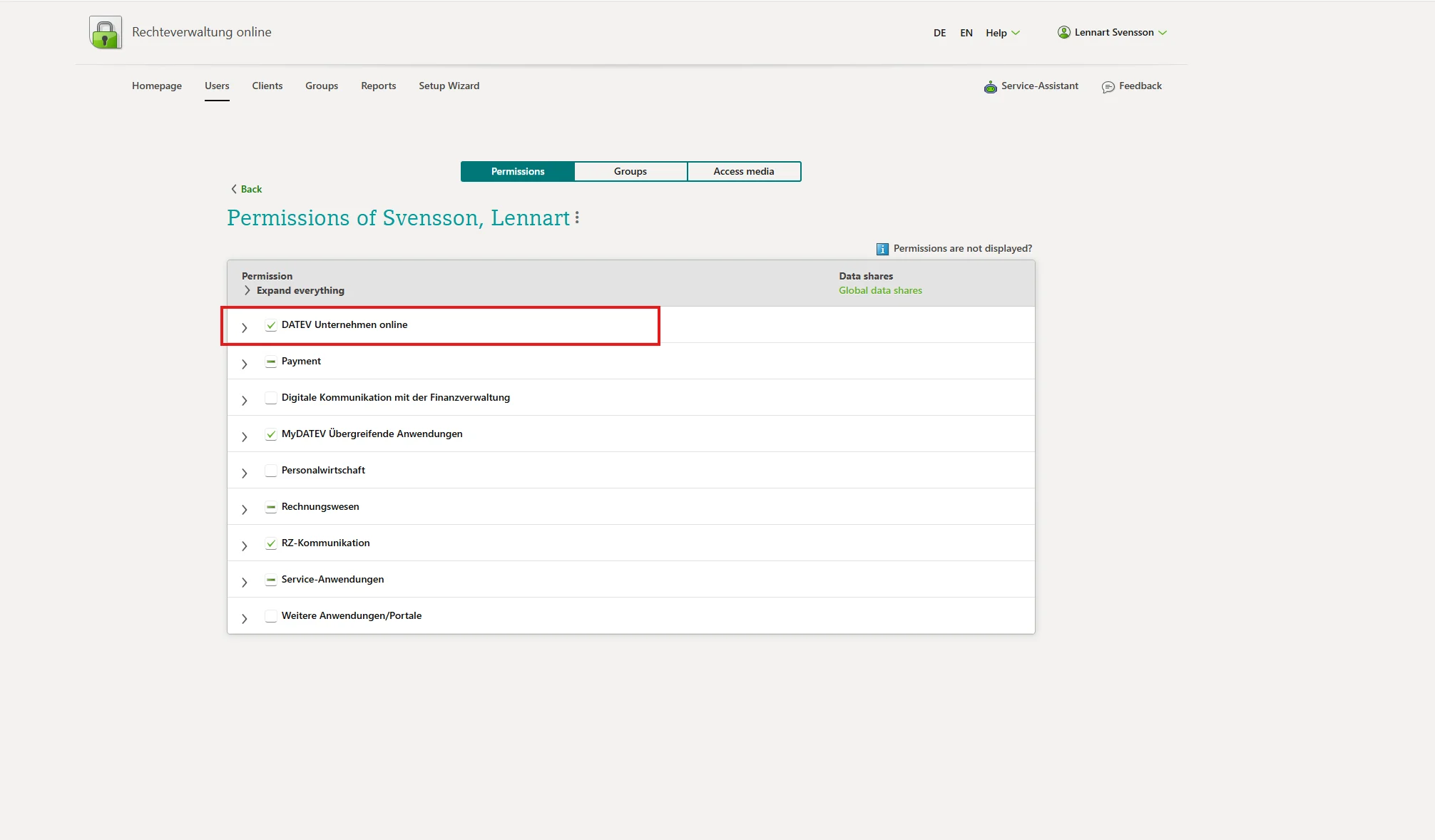
DATEV Unternehmen Online is enabled
The DATEV app Belege Online is activated in erweitert mode.
You have a SmartCard or SmartLogin with access rights for Mandantenregistrierung
The BelegbilderService constitues a special case among the DATEV services: It is not possible to order it via Mandantenregistrierung, since it is enabled by default when DATEV Unternehmen Online is enabled.